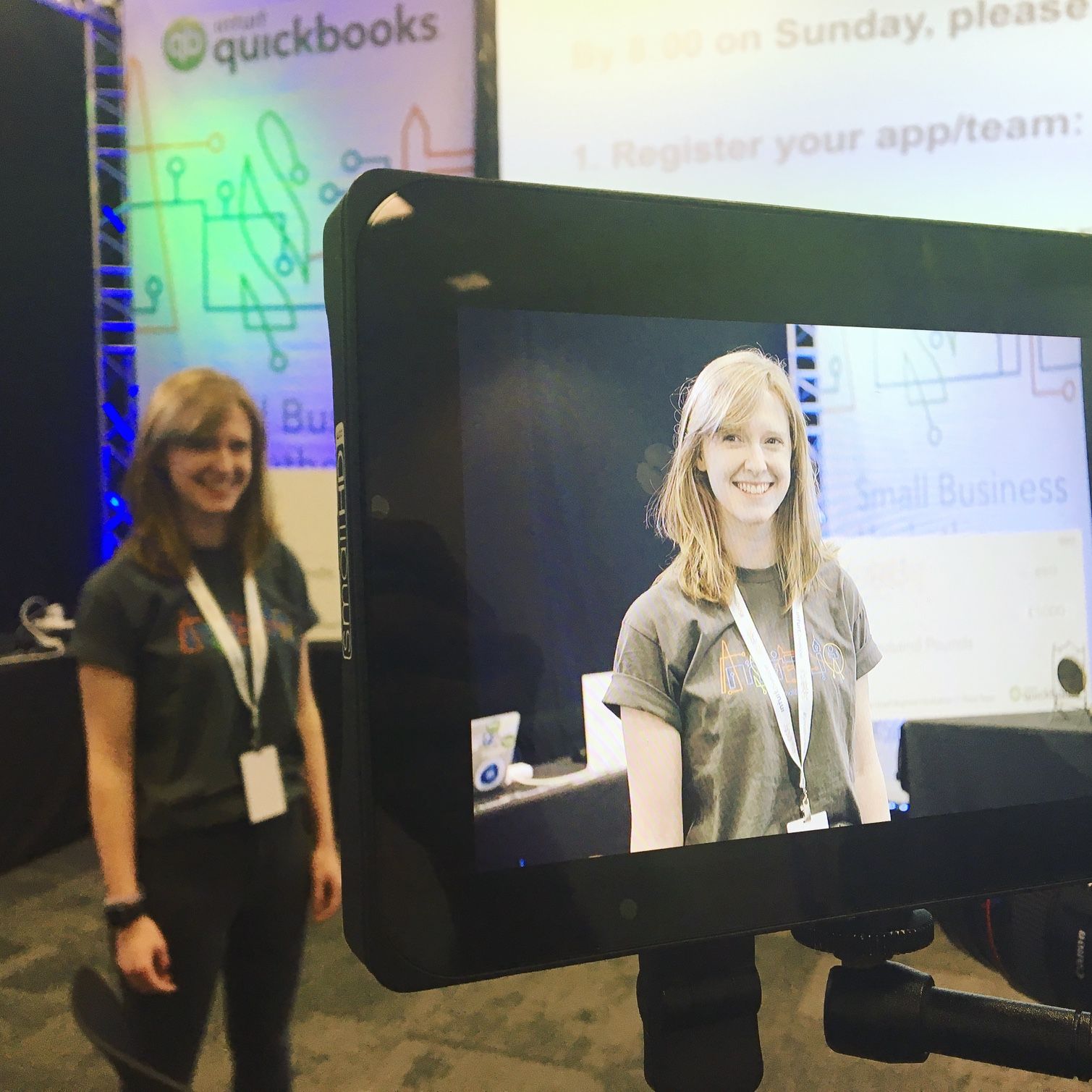
At The Matrix Conference 2025, David Langley (Engineering Manager), Gaëlle Hunt (Product Designer) and I (Danielle Kirkwood) presented on how Element Web is evolving, bringing the web and desktop version of the Element app in line with the sleek design and usability of Element X on mobile.
Watch the whole presentation
A big bet: Elevating Element Web
Element Web has been around for over a decade. In that time, it has grown rich in features: Spaces, Threads, and more. But like any long-lived codebase, it has also carried its share of technical debt. Over the past two years, we have been on a mission to modernise both Element Web and the Desktop app. Rather than starting from scratch, we’ve taken a careful, piece-by-piece approach; reworking each component, rebuilding the architecture, and refreshing the UX, all while keeping the experience familiar for users. This approach allows us to deliver continuous value — including new UI, improved performance, and greater reliability — without disrupting core workflows.
Element X Web and Desktop
The core philosophy behind Element X Web has been to reflect the Element X mobile app, with a focus on four key qualities:
- Familiar: We want the app to feel like home
- Simple: The interface should be easy to use and understand
- Reliable: Users should trust that things work consistently
- Fast: Performance matters; the app must feel snappy
From UI redesigns to the technical decisions behind the architecture, these principles drive everything the team does.
A phased roadmap
One of the most asked questions we get is; what’s on the roadmap? Rather than working to fixed timelines and deadlines, we've organised the roadmap into phases. Each phase focuses on delivering clear value; performance, reliability, accessibility, and features built for the future. This allows us to prioritise the changes that make the biggest impact, while also planning for long-term maintainability.
As part of upcoming phases, highlights include:
- A refreshed room list that aligns more closely with Element X on mobile
- Timeline enhancements for speed and reliability
- Upgraded module API
- Laying the foundations for future work: user statuses, notifications, an activity centre…
Later phases will continue to improve core experiences, informed by user feedback and performance data, so please continue to let the Web team know what you love and want to improve!
Rebuilding piece by piece
David explained the technical journey, detailing how the team is breaking Element Web into modular components, upgrading them piece by piece, and reassembling the app using the MVVM (Model-View-ViewModel) architecture. Instead of a risky full rewrite, this incremental approach allows us to introduce new technology gradually while continuing to deliver user-facing improvements and maintaining overall stability.
The Web team’s first major feature under this new architecture was the new improved room list. It now uses a virtualised list to optimise memory and scrolling, and accessibility has been significantly improved with enhanced keyboard navigation.
Architecture and performance gains
Switching to MVVM gave the Web team a much clearer separation of concerns - business logic, view logic and presentation logic - which made for easier testing and modular development of the platform. The MVVM architecture also allowed us to write unit tests for individual components and to mock different parts of the app to verify states such as loading or error. Using Storybook, we could also visualise these states and catch visual bugs early through automated testing, improving both reliability and development speed.
Performance has already improved by removing unnecessary state transitions and optimising how object lifecycles are managed. However, the real leap will come when the SDK is replaced with the Rust SDK. Powering the business logic layer, the Rust SDK enables faster launches, lower memory usage, and more secure storage. Over time, Web and Desktop will be rebuilt on our new architecture, after which we’ll switch the whole app to the Rust SDK. This will help bring the same speed and reliability that mobile users already experience.
Modular editions and customisation
With modules and the pipeline, we can deliver multiple apps from one codebase, each with its own customisations — such as multiroom, or openDesk's banners. On top of that, our Shared Components package lets us reuse UI and features across apps, ensuring consistent experiences across our different products: Element Web, Element Pro, branded apps like openDesk, and our experimental app Aurora.
Watch modular editions and customisation in action during the presentation
Designing for the future
Gaëlle shared how Element X Web’s vision is guided by a combination of user feedback, competitor research, and accessibility goals. We’ve listened closely to what users consistently request, including a clear and navigable user directory, streamlined file sharing, calendar and meeting scheduling, and efficient search and collaboration.
To address these needs, we’re reimagining the interface. The vision for the sidebar is to have distinct areas for chats, Spaces, the user directory and app integrations. Meanwhile the new activity centre provides a centralised view of mentions, Threads and invites. The room list has been overhauled with filters, clearer notifications, and easier room creation.
Watch a demo of future implementations with Gaëlle during the presentation
Accessibility remains a core focus. Keyboard navigation is being improved throughout the interface, including lists, timelines and other key workflows. Feedback from accessibility-focused users is playing a central role in shaping these improvements.
What’s next?
Looking ahead, the team is already laying the groundwork for future enhancements. Over time, Web and Desktop will be rebuilt on our new architecture, after which we’ll switch the whole app over to the Rust SDK to deliver better performance and reduced memory usage, while modular features continue to roll out via the API. The interface will be refined according to ongoing user feedback, with improvements planned for user status indicators - as well as further accessibility enhancements to make Element Web even easier to navigate.
Thanks so much for using Element Web! We’d love to hear what you think — your feedback is crucial as we continue to refine and iterate.