Client listing.
Decide exactly which Matrix-based apps are allowed to connect to your Element Server Suite Pro deployment.

Stay in control of your client ecosystem
Ensure your end-users are working in the right apps. ESS Pro enables admins to define exactly which Matrix frontend clients (apps) are permitted to connect to their ESS Pro deployment. Allow the apps your organisation has reviewed and trusts, and refuse the rest.
Apps ready for the workplace
Stamp out shadow IT issues by ensuring that your end-users can only use Matrix-based apps that are ready for your workplace. Workplace-ready apps, such as
Element Pro
, support enterprise-grade features such as content scanning (for anti-virus and data loss protection), private rageshake collection and message retention controls.

Instant deployment for all your end-users
Use a combination of mobile device management, certificate pinning and client listing to seamlessly deploy and manage your end-users’ apps. ESS Pro ensures they are on the right apps from the start, and remain in those apps you choose to make available.
Migrate your end-users
ESS Pro allows you to centrally manage the migration of your end-users from the likes of Classic Element and Element X to
Element Pro
, or your own custom app. By controlling which apps end-users can use, you can set and enforce migration deadlines.
Keep your end-users in your custom apps
Many organisations create their own Matrix-based apps, usually by customising
Element Pro
but also by building from FOSS components. Client listing ensures fast adoption of those apps by making them the only ones that can connect to your server.
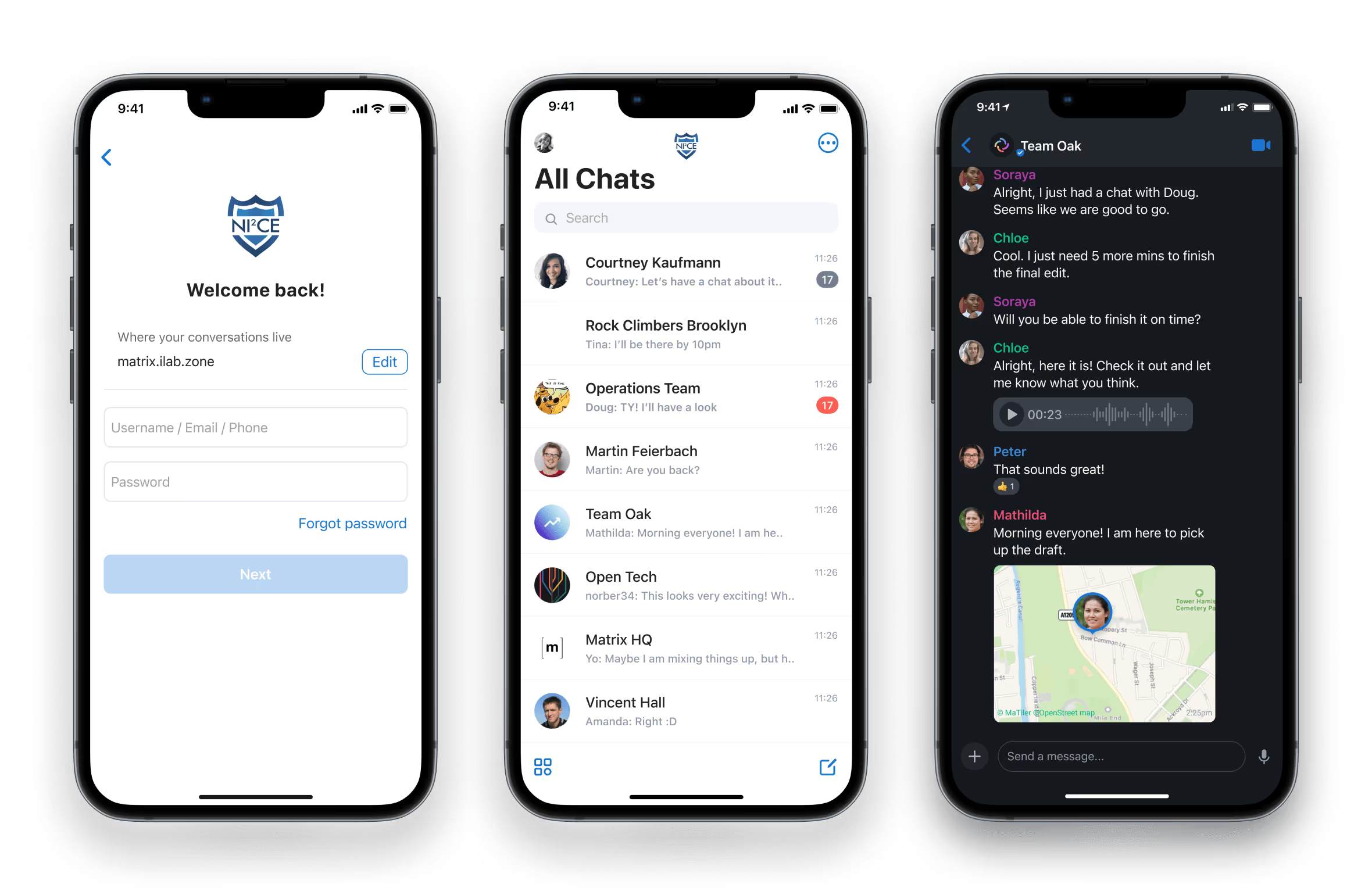
Block untrusted apps
Refuse connections from unapproved or unverified third-party clients before they ever reach your server. This helps prevent malicious or compromised apps from accessing your deployment, while ensuring every end-user experiences the same consistent, supported functionality.
Approving selected clients
ESS Pro makes it easy for admins to control which Matrix client apps can connect to the server, by listing approved app URLs. Our own range of frontend clients can be approved or blocked using their URLs.




.png)