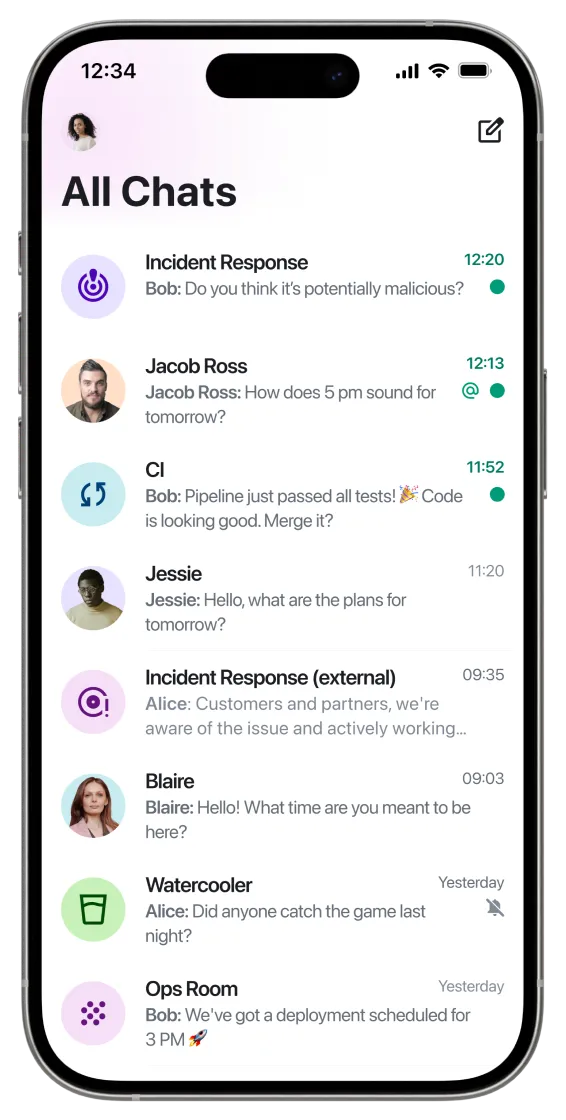
element X
.svg)
.svg)

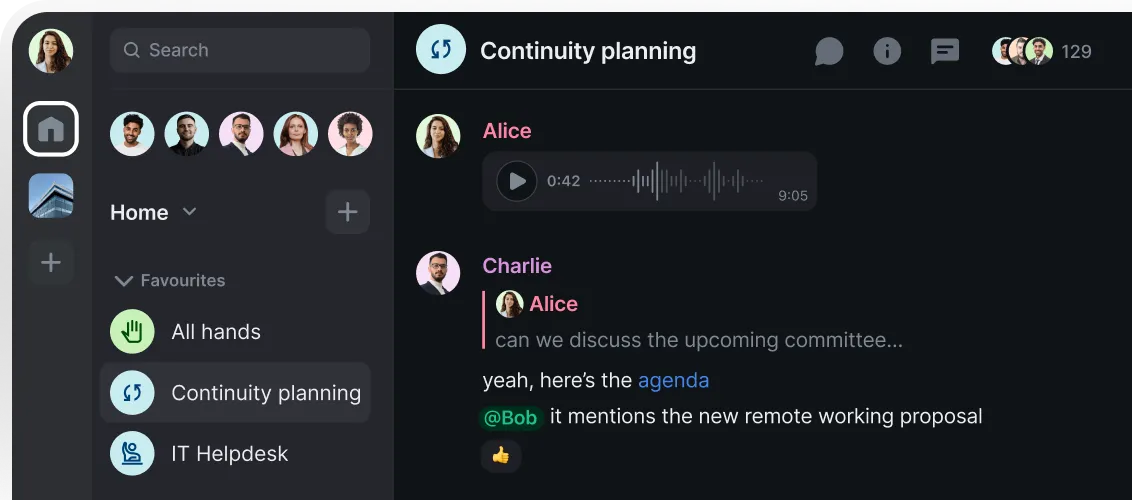
Desktop
Windows

element PRO
Collaboration for the workplace
Sovereign and secure collaboration internally and externally.
Classic Element mobile app.
Linux.
Debian / Ubuntu x86_64 / aarch64
sudo wget -O /usr/share/keyrings/element-io-archive-keyring.gpg https://packages.element.io/debian/element-io-archive-keyring.gpg
echo "deb [signed-by=/usr/share/keyrings/element-io-archive-keyring.gpg] https://packages.element.io/debian/ default main" | sudo tee /etc/apt/sources.list.d/element-io.list
sudo apt update
sudo apt install element-desktop
Element Nightly.
Advanced users can test our latest unstable build on Mac , Windows or Linux.
Debian / Ubuntu x86_64 / aarch64
sudo wget -O /usr/share/keyrings/element-io-archive-keyring.gpg https://packages.element.io/debian/element-io-archive-keyring.gpg
echo "deb [signed-by=/usr/share/keyrings/element-io-archive-keyring.gpg] https://packages.element.io/debian/ default main" | sudo tee /etc/apt/sources.list.d/element-io.list
sudo apt update
sudo apt install element-nightly
Accessibility.
Element is deeply committed to accessibility, embedding inclusive design across our product set. We align our efforts with WCAG 2.1 Level AA and EN 301 549 criteria, with ongoing audits to support accessibility improvements, assistive-technology compatibility, high-contrast modes and full keyboard navigability.
Read our complete
accessibility statement


.png)